
Give accepted work a clear owner.
Carry the customer from estimate to delivery, with assigned tasks, approved changes, connected billing, and one view of recorded project profit.
Included in Atlas-Beren Workspace · $99/month · Guided onboarding optional
Inside the workspace
Project management, in context.
- Start an estimate from the project with its customer prefilled. Accepted work and later revisions keep the same project connection.
- Plan task dependencies and schedule baselines on a resizable timeline. Connect customer commitments and delivery capacity; compare proposed dates in Scenario Studio before a reviewed change to live work.
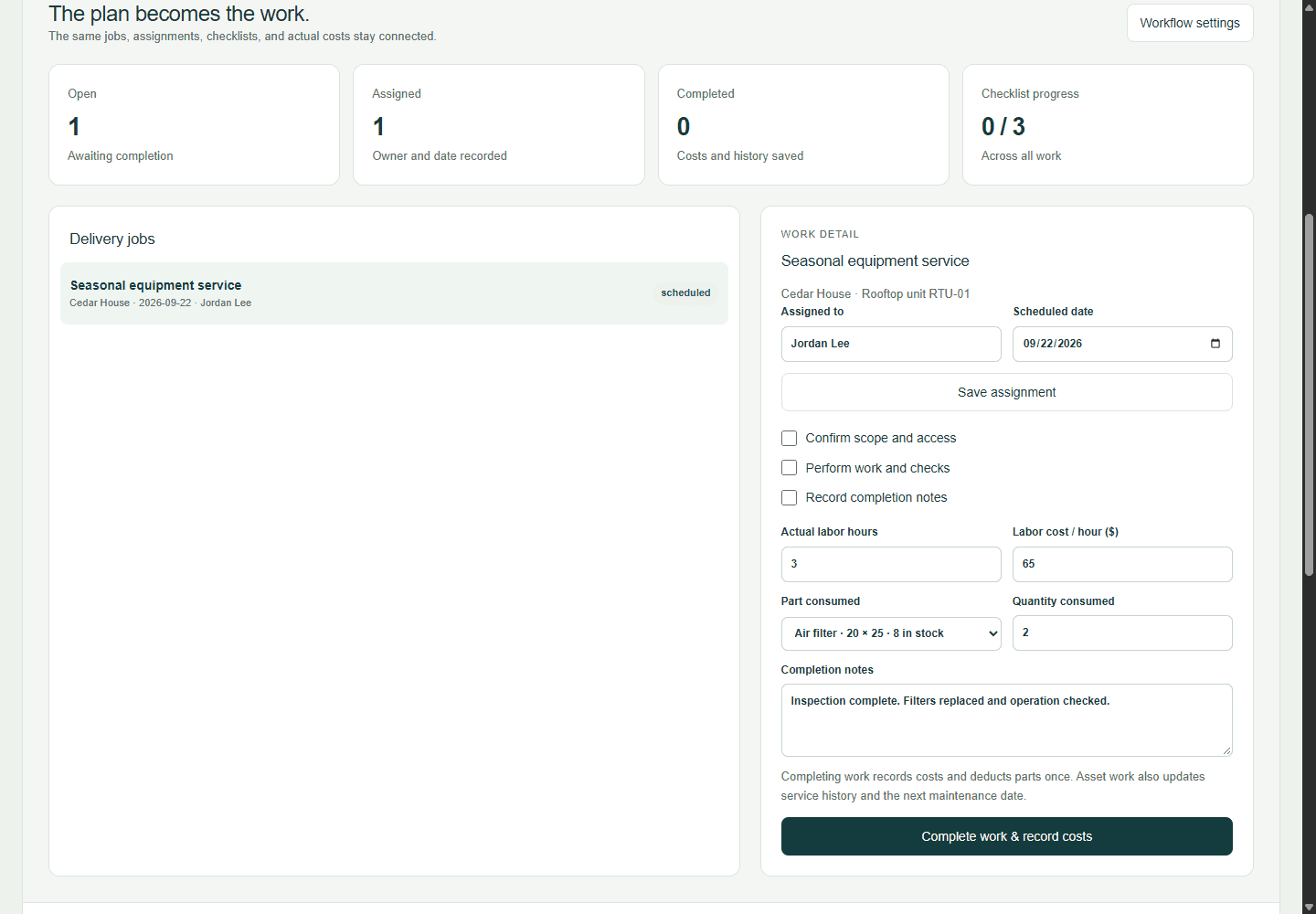
- Follow approved changes into delivery and billing. Compare invoiced revenue with recorded materials, approved labor, and additional project costs.
Includes cross-project dependencies, recurring tasks, private attachments, connected estimates and jobs, and shared profit reporting. Known customer and project links carry forward; missing or conflicting links require review. The customer portal shares selected quotes, appointments, service records, and billing, while private project notes and costs stay internal. Profit coverage depends on recorded costs and approved labor.
Early access: we confirm capabilities, required connections, and workspace readiness before billing.
Start with one useful workflow.
All eight workflows share one subscription. We confirm fit and readiness before billing; you choose self-guided setup or optional hands-on help.
CRM & customers
Connect customer history, a faster pipeline workspace, shared conversations, and the estimates and projects behind each relationship.
Explore workflow ↗Estimating & takeoff
Analyze drawings and estimate documents with connected AI, check scope against your current bid, and build an itemized takeoff with evidence and costs you control.
Explore workflow ↗Field operations
Connect customer booking, assigned technicians, service history, field reporting, and recurring visits to the same job and billing record.
Explore workflow ↗